

Asana + Figma
Your Asana tasks, live in Figma
Ticket Sync brings Asana tasks into Figma as editable components — name, status, assignee and due date — so the file and the project stay readable side by side.
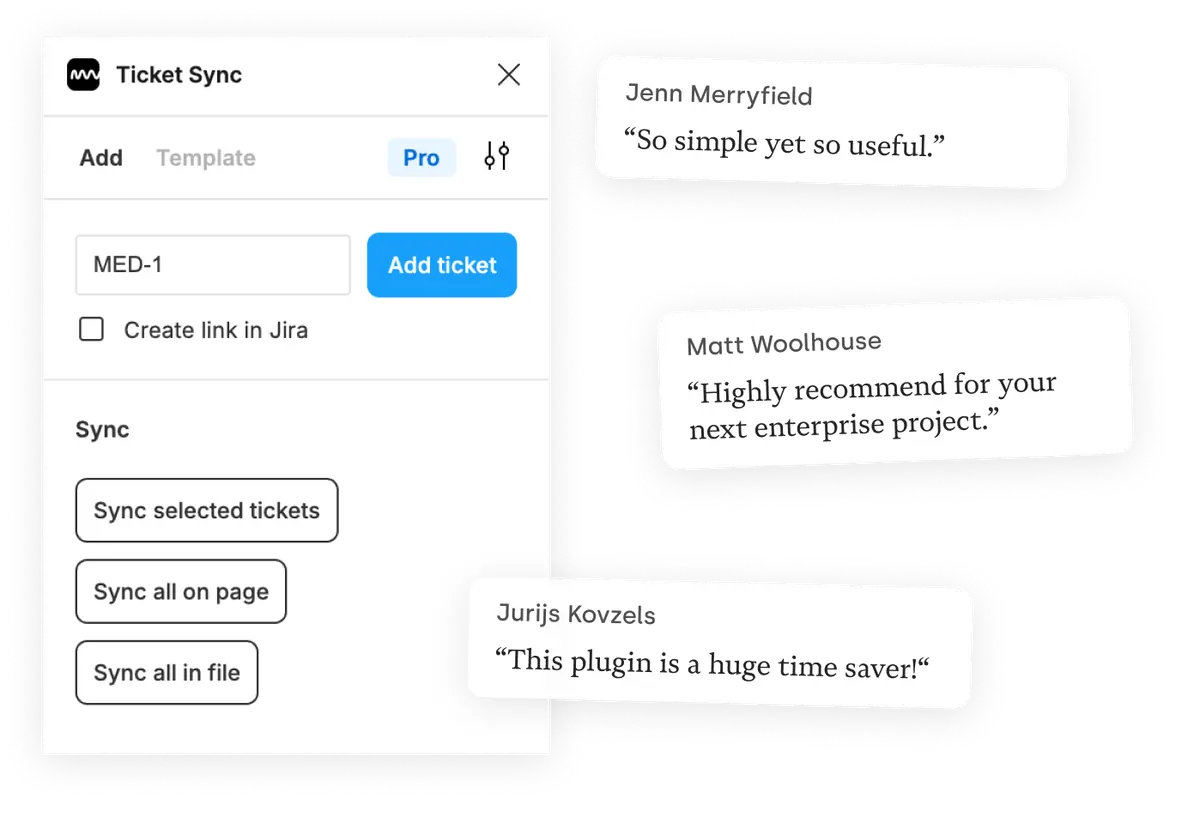
What you get
Tasks next to the work they describe
Asana holds the plan, Figma holds the design. Showing the task on the frame it belongs to saves the round trip that everyone makes several times a week.
Current on every open
Re-sync a page or the whole file and each task reflects what Asana says right now, not what it said when the file was last touched.
Yours to restyle
Every task lands as a Figma component you can style like any other. The styling survives, the content updates.
How it works
-
Install the plugin
Ticket Sync is free on the Figma Community. No account to create — you connect Asana from inside the plugin.
-
Connect Asana
You approve the connection on Asana's own screen. Ticket Sync never sees your password and you can revoke access there at any time.
-
Paste an ID and sync
Give the plugin an ID and the task appears as a Figma component. From then on, one click brings the whole page or file up to date.
Asana and Figma — questions people ask
Which Asana fields are shown?
Task name, completion status, assignee and due date by default. The paid plans add custom fields, tags and attachments from your project.
Does it work with Asana portfolios and subtasks?
Tasks are addressed individually, so a task in any project or portfolio works the same way. Subtask support is on the list — tell us if you need it and it moves up.
How does the connection work?
Through Asana's own OAuth screen. You approve it once, Ticket Sync never sees your password, and you can revoke access from Asana at any time.
Is Asana support free?
Yes. Displaying and syncing one task at a time is free, for Asana and every other supported tool.
Works with your other tools too
Ticket Sync is one plugin for all of them. Connect as many as you use.
'/%3e%3cpath%20d='M122.951%20122.489H0c0%2030.653%2024.85%2055.502%2055.502%2055.502h22.72v21.867c.02%2030.597%2024.798%2055.408%2055.396%2055.466V133.156c0-5.891-4.776-10.667-10.667-10.667z'%20fill='url(%23c)'/%3e%3c/svg%3e)


'/%3e%3cpath%20fill='url(%23b)'%20d='M65.18%2039.84L22.8%2076.36%203.21%2053.64%2065.27.16l61.57%2053.52-19.68%2022.64z'/%3e%3c/g%3e%3c/svg%3e)
