

Monday + Figma
Your Monday.com items, live in Figma
Ticket Sync brings items from your Monday.com boards into Figma as editable components — name, status column, owner — and refreshes them on demand so the file and the board agree.
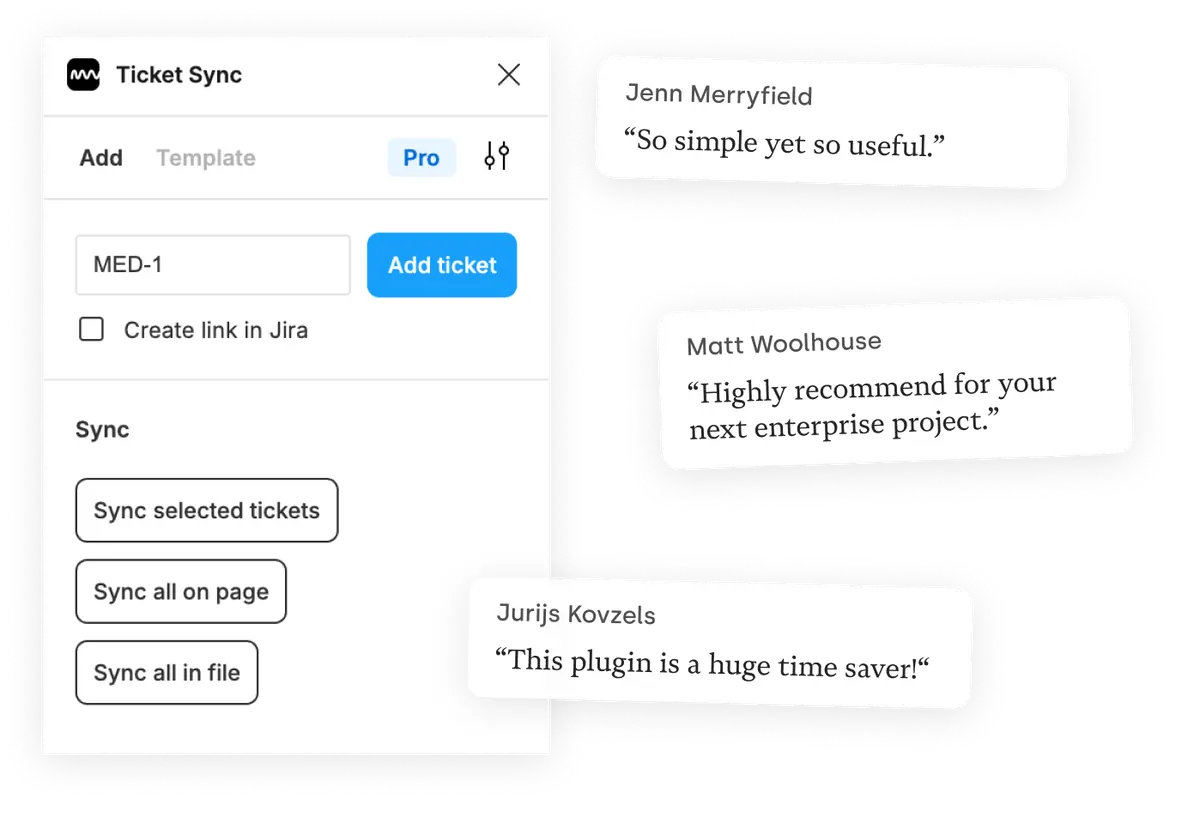
What you get
Status columns, read live
The color of a status column is the thing everybody looks at. Ticket Sync reads it from the board on every sync instead of trusting a pasted screenshot.
A whole board's worth at once
The paid plans sync every item on a page or in a file in one go, which is what makes this practical for boards with more than a handful of items.
Components you control
Items arrive as normal Figma components. Style them once for your file and the styling survives every later sync.
How it works
-
Install the plugin
Ticket Sync is free on the Figma Community. No account to create — you connect Monday from inside the plugin.
-
Connect Monday
You approve the connection on Monday's own screen. Ticket Sync never sees your password and you can revoke access there at any time.
-
Paste an ID and sync
Give the plugin an ID and the item appears as a Figma component. From then on, one click brings the whole page or file up to date.
Monday and Figma — questions people ask
Which Monday.com columns are shown?
Item name, status and owner by default. The paid plans let you display further columns from the board.
Does it work with several boards?
Yes. Items are addressed by their item ID, independently of which board or workspace they belong to.
How do I connect Monday.com?
Through Monday's OAuth screen, with read and write access to boards and updates. You can revoke it from your Monday account at any time.
Is Monday.com support free?
Yes. Displaying and syncing one item at a time is free, for Monday.com and every other supported tool.
Works with your other tools too
Ticket Sync is one plugin for all of them. Connect as many as you use.
'/%3e%3cpath%20d='M122.951%20122.489H0c0%2030.653%2024.85%2055.502%2055.502%2055.502h22.72v21.867c.02%2030.597%2024.798%2055.408%2055.396%2055.466V133.156c0-5.891-4.776-10.667-10.667-10.667z'%20fill='url(%23c)'/%3e%3c/svg%3e)


'/%3e%3cpath%20fill='url(%23b)'%20d='M65.18%2039.84L22.8%2076.36%203.21%2053.64%2065.27.16l61.57%2053.52-19.68%2022.64z'/%3e%3c/g%3e%3c/svg%3e)