

Notion + Figma
Your Notion tickets, live in Figma
If your backlog lives in a Notion database, Ticket Sync brings its entries into Figma as editable components — title, status, owner and the properties you actually care about — and refreshes them on demand.
What you get
Database entries, not just page embeds
Figma files can already be embedded in Notion. This works the other way around: the ticket comes into the design file, which is where the question about its status usually gets asked.
The properties your database defines
No two Notion databases look alike. The paid plans let you display whichever properties yours uses instead of a fixed set someone else chose.
One click to refresh a whole file
Design files outlive sprints. Re-sync the file and every embedded entry reflects the current state of the database.
How it works
-
Install the plugin
Ticket Sync is free on the Figma Community. No account to create — you connect Notion from inside the plugin.
-
Connect Notion
You approve the connection on Notion's own screen. Ticket Sync never sees your password and you can revoke access there at any time.
-
Paste an ID and sync
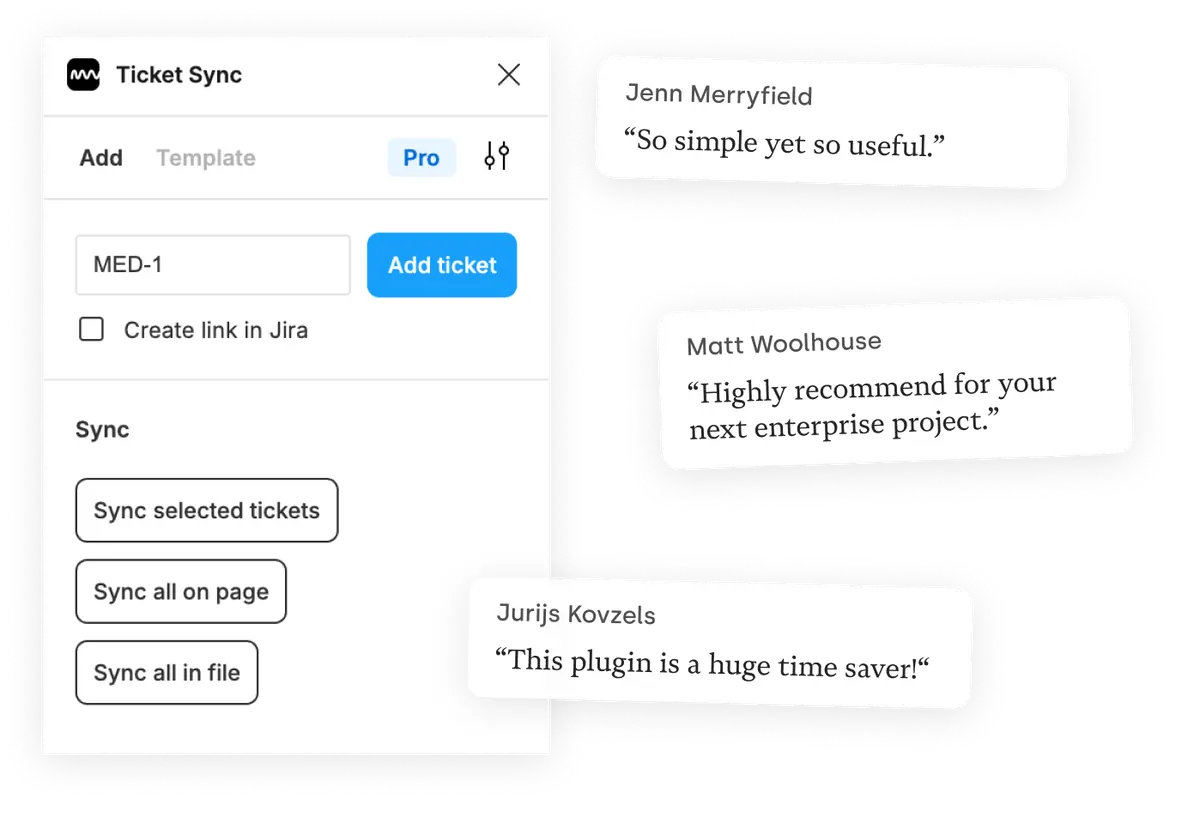
Give the plugin an ID and the ticket appears as a Figma component. From then on, one click brings the whole page or file up to date.
Notion and Figma — questions people ask
Which Notion content can Ticket Sync display?
Entries from Notion databases. You select the database when connecting and address its entries from Figma afterwards.
Does it need access to my whole workspace?
No. Notion's OAuth screen lets you pick exactly which pages and databases to share, and Ticket Sync only ever sees those.
Can I show custom Notion properties?
Yes, on the paid plans. The free plan shows the standard set of fields.
What happens when someone edits the entry in Notion?
The next sync pulls the change into Figma. Ticket Sync only writes back a link if you ask it to, so nothing in Notion changes behind your back.
Works with your other tools too
Ticket Sync is one plugin for all of them. Connect as many as you use.
'/%3e%3cpath%20d='M122.951%20122.489H0c0%2030.653%2024.85%2055.502%2055.502%2055.502h22.72v21.867c.02%2030.597%2024.798%2055.408%2055.396%2055.466V133.156c0-5.891-4.776-10.667-10.667-10.667z'%20fill='url(%23c)'/%3e%3c/svg%3e)


'/%3e%3cpath%20fill='url(%23b)'%20d='M65.18%2039.84L22.8%2076.36%203.21%2053.64%2065.27.16l61.57%2053.52-19.68%2022.64z'/%3e%3c/g%3e%3c/svg%3e)
