
'/%3e%3cpath%20fill='url(%23b)'%20d='M65.18%2039.84L22.8%2076.36%203.21%2053.64%2065.27.16l61.57%2053.52-19.68%2022.64z'/%3e%3c/g%3e%3c/svg%3e)
ClickUp + Figma
Your ClickUp tasks, live in Figma
Ticket Sync pulls ClickUp tasks into your Figma file as editable components — name, status, assignee and the custom fields your space defines — and re-reads them whenever you ask.
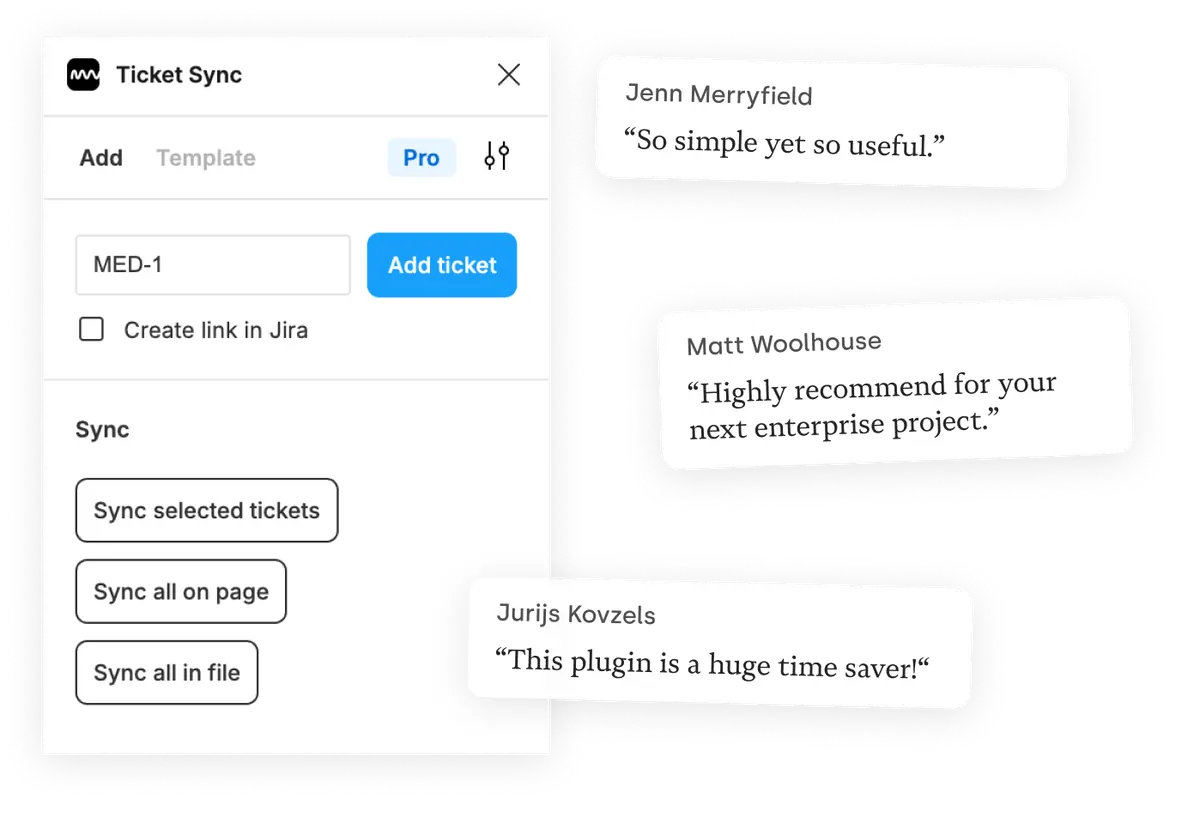
What you get
Custom fields included
ClickUp spaces tend to carry a lot of custom fields, and they are usually the ones that matter. The paid plans display whichever ones you pick.
A file that explains itself
Sync a page or the entire file before a review, and every frame carries the task it belongs to with the status it actually has.
Links back to ClickUp
Ticket Sync can write a link to the design into the task, so people coming from ClickUp find the frame without asking.
How it works
-
Install the plugin
Ticket Sync is free on the Figma Community. No account to create — you connect ClickUp from inside the plugin.
-
Connect ClickUp
You approve the connection on ClickUp's own screen. Ticket Sync never sees your password and you can revoke access there at any time.
-
Paste an ID and sync
Give the plugin an ID and the task appears as a Figma component. From then on, one click brings the whole page or file up to date.
ClickUp and Figma — questions people ask
Which ClickUp fields can I display?
Task name, status and assignee by default, plus any custom field defined in your space on the paid plans.
Does it work across several spaces?
Yes. Tasks are addressed by their task ID, so which space, folder or list they belong to makes no difference.
How is my ClickUp account connected?
Through ClickUp's OAuth flow. Ticket Sync never sees your password and you can revoke the connection in ClickUp at any time.
Is ClickUp support free?
Yes. Displaying and syncing one ticket at a time is free; syncing many at once and custom fields are on the paid plans.
Works with your other tools too
Ticket Sync is one plugin for all of them. Connect as many as you use.
'/%3e%3cpath%20d='M122.951%20122.489H0c0%2030.653%2024.85%2055.502%2055.502%2055.502h22.72v21.867c.02%2030.597%2024.798%2055.408%2055.396%2055.466V133.156c0-5.891-4.776-10.667-10.667-10.667z'%20fill='url(%23c)'/%3e%3c/svg%3e)


