

GitHub + Figma
Your GitHub issues, live in Figma
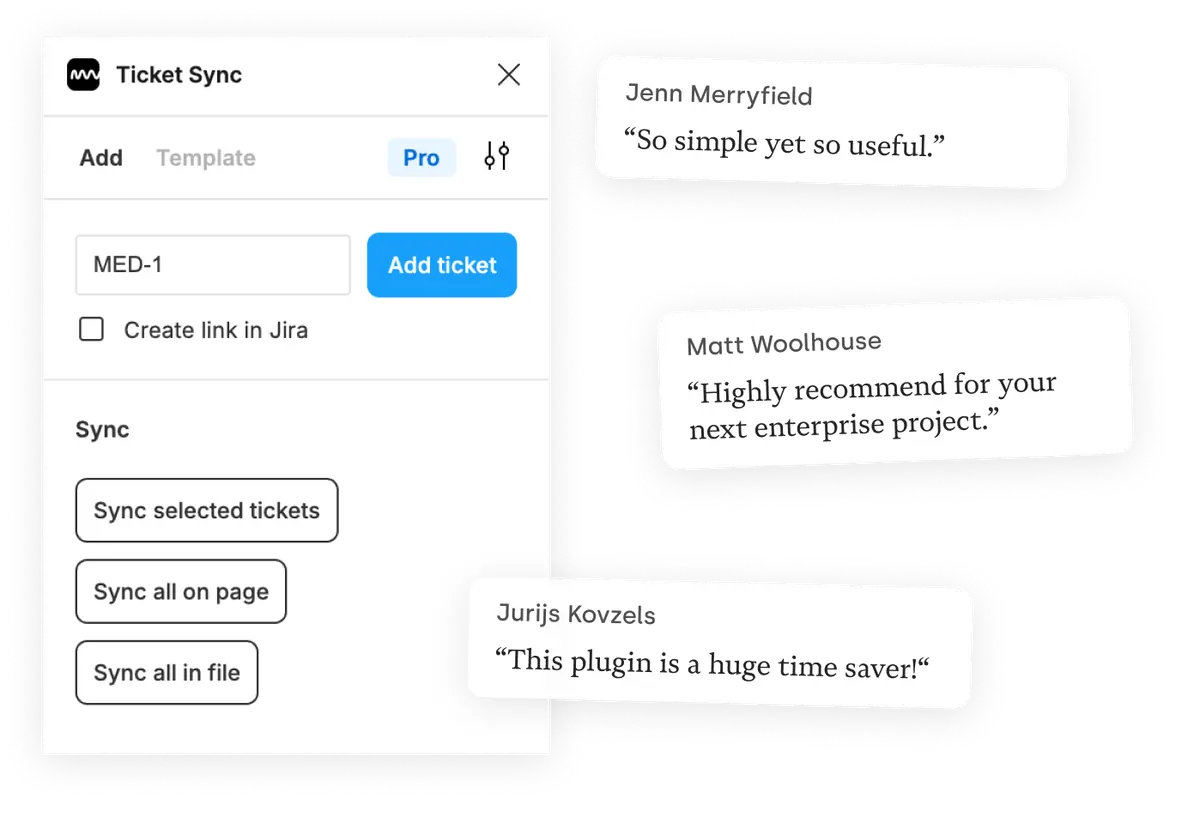
Ticket Sync pulls GitHub issues into Figma as editable components — title, number, state and assignee — so the design file and the issue tracker stop drifting apart between reviews.
What you get
The issue where the design is
Engineers read the issue, designers read the file. Putting the issue into the file removes the step where somebody has to go and check which one is current.
State that does not mislead
An issue closed last week shows as closed after the next sync, instead of quietly telling everyone who opens the file that the work is still open.
A link back to the frame
Ticket Sync can write the Figma link into the issue, so the connection also works from the GitHub side.
How it works
-
Install the plugin
Ticket Sync is free on the Figma Community. No account to create — you connect GitHub from inside the plugin.
-
Connect GitHub
You approve the connection on GitHub's own screen. Ticket Sync never sees your password and you can revoke access there at any time.
-
Paste an ID and sync
Give the plugin an ID and the issue appears as a Figma component. From then on, one click brings the whole page or file up to date.
GitHub and Figma — questions people ask
Does it work with private repositories?
Yes, as long as you grant the GitHub App access to that repository when you connect.
What permissions does Ticket Sync ask for?
Read and write on issues, and read on repository metadata. It never requests access to your code.
Does it work with issues on a GitHub Projects board?
Yes. Issues are addressed by repository and number, so it makes no difference which board they sit on.
Which fields are displayed?
Title, number, state and assignee by default. The paid plans let you add further fields from the issue.
Works with your other tools too
Ticket Sync is one plugin for all of them. Connect as many as you use.
'/%3e%3cpath%20d='M122.951%20122.489H0c0%2030.653%2024.85%2055.502%2055.502%2055.502h22.72v21.867c.02%2030.597%2024.798%2055.408%2055.396%2055.466V133.156c0-5.891-4.776-10.667-10.667-10.667z'%20fill='url(%23c)'/%3e%3c/svg%3e)


'/%3e%3cpath%20fill='url(%23b)'%20d='M65.18%2039.84L22.8%2076.36%203.21%2053.64%2065.27.16l61.57%2053.52-19.68%2022.64z'/%3e%3c/g%3e%3c/svg%3e)
