

GitLab + Figma
Your GitLab issues, live in Figma
Ticket Sync brings GitLab issues into Figma as editable components — title, reference, state and assignee — and refreshes them whenever you ask, so the design file matches the board.
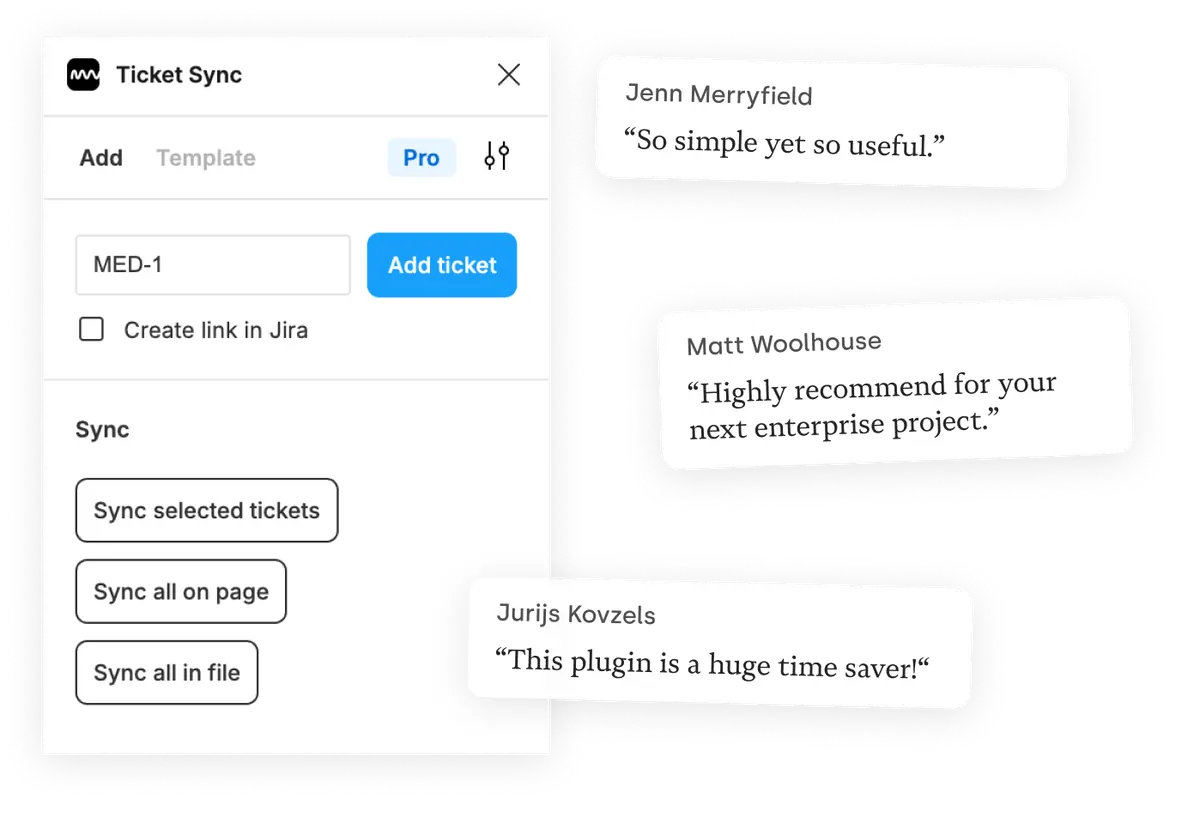
What you get
The board, inside the file
A design file that names its issues explains itself. Nobody has to open GitLab in a second tab to work out which frame belongs to which piece of work.
Re-read, never re-paste
Sync a ticket, a page or the whole file. The state in Figma comes from GitLab each time instead of from whenever someone last updated it by hand.
Styled like the rest of your file
Tickets are ordinary Figma components, so they can carry your own type and colors and still update their content on the next sync.
How it works
-
Install the plugin
Ticket Sync is free on the Figma Community. No account to create — you connect GitLab from inside the plugin.
-
Connect GitLab
You approve the connection on GitLab's own screen. Ticket Sync never sees your password and you can revoke access there at any time.
-
Paste an ID and sync
Give the plugin an ID and the issue appears as a Figma component. From then on, one click brings the whole page or file up to date.
GitLab and Figma — questions people ask
Does it work with self-managed GitLab?
GitLab.com works today. Self-managed instances live on your own domain and need the same treatment as self-hosted Jira Server — tell us your setup and we will factor it in.
Does it work with private projects?
Yes, for projects your account can access. The connection runs through GitLab's OAuth flow, so Ticket Sync inherits your own permissions and nothing more.
Which fields are displayed?
Title, reference, state and assignee by default. The paid plans let you add further fields from the issue.
Is GitLab support free?
Yes. Displaying and syncing one issue at a time is free, for GitLab and every other supported tool.
Works with your other tools too
Ticket Sync is one plugin for all of them. Connect as many as you use.
'/%3e%3cpath%20d='M122.951%20122.489H0c0%2030.653%2024.85%2055.502%2055.502%2055.502h22.72v21.867c.02%2030.597%2024.798%2055.408%2055.396%2055.466V133.156c0-5.891-4.776-10.667-10.667-10.667z'%20fill='url(%23c)'/%3e%3c/svg%3e)


'/%3e%3cpath%20fill='url(%23b)'%20d='M65.18%2039.84L22.8%2076.36%203.21%2053.64%2065.27.16l61.57%2053.52-19.68%2022.64z'/%3e%3c/g%3e%3c/svg%3e)
